Time tracking for recording studios
Capture sessions, editing, mixing, or mastering directly on the project so time, logs, and billing never have to be pieced together from memory.
Studio time disappears fast when you try to write it down after the session. That is why timers, manual entries, project logs, and production logs work together here.
What this solves in daily studio work
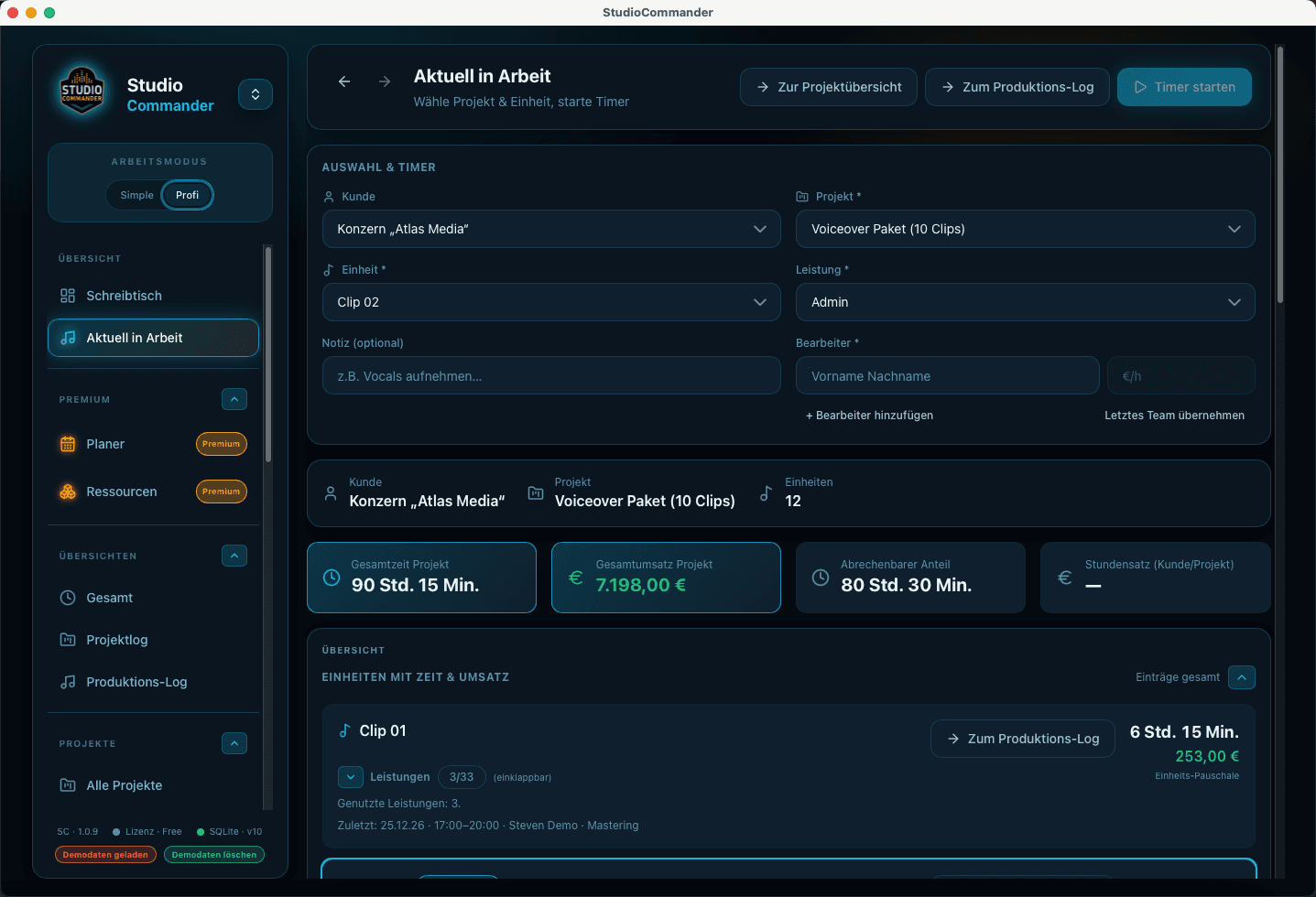
- - Start and stop timers directly in the in-progress workflow
- - Assign project, production unit, service, and contributor cleanly
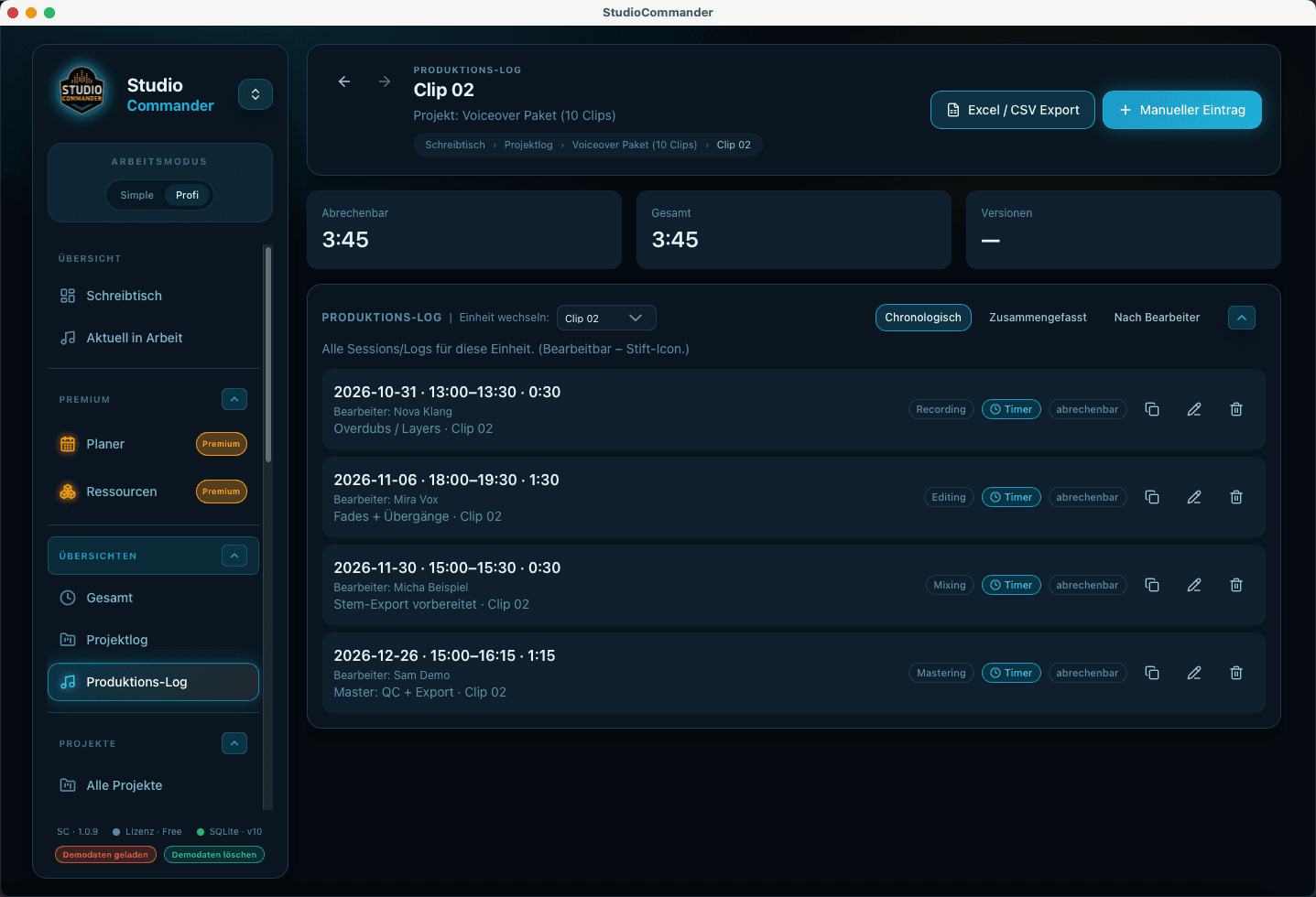
- - Fill project and production logs automatically from real work
- - Let reports, overviews, and later invoices rely on the same data
Typical flow
- 1Choose project, production unit, service, and contributor
- 2Start the timer and stay inside the actual work flow during the session
- 3After stop, the data lands in the logs automatically
- 4Project log, production log, and reports make progress and effort easy to understand later
Time tracking is not a separate tool here
The data flows directly into project control, quotes, reports, and invoices. That is what makes time tracking economically valuable in day-to-day studio work.
Move prospects from the first conversation into a clear quote with reusable building blocks, pricing logic, and direct project context instead of scattered notes.
Create invoices in project context, keep payments accurate, and connect reporting, open amounts, and financial review inside one system.
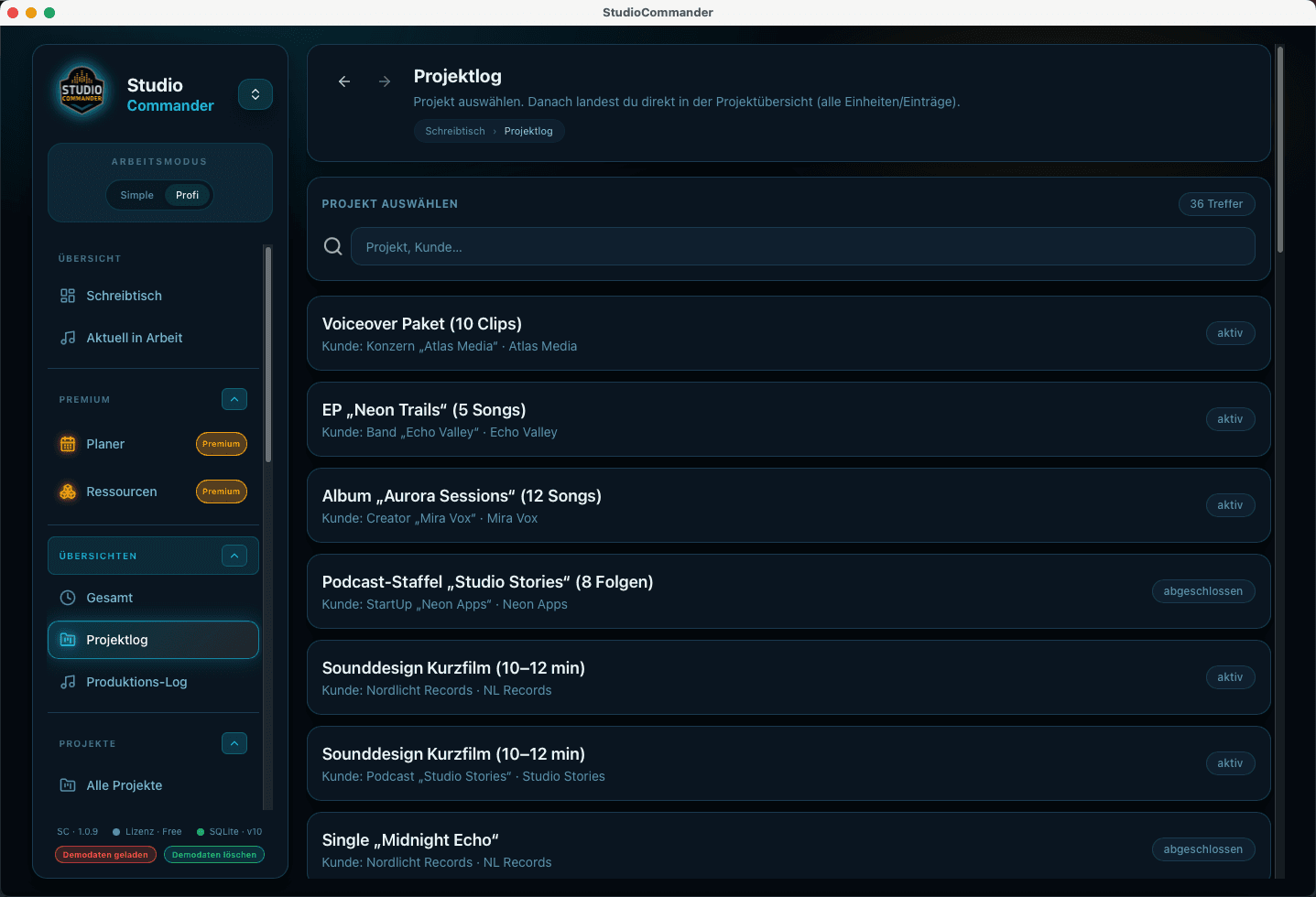
Keep clients, projects, songs, project status, and upcoming productions together so nothing falls apart between inquiry, session, and invoice.