Project management for recording studios
Keep clients, projects, songs, project status, and upcoming productions together so nothing falls apart between inquiry, session, and invoice.
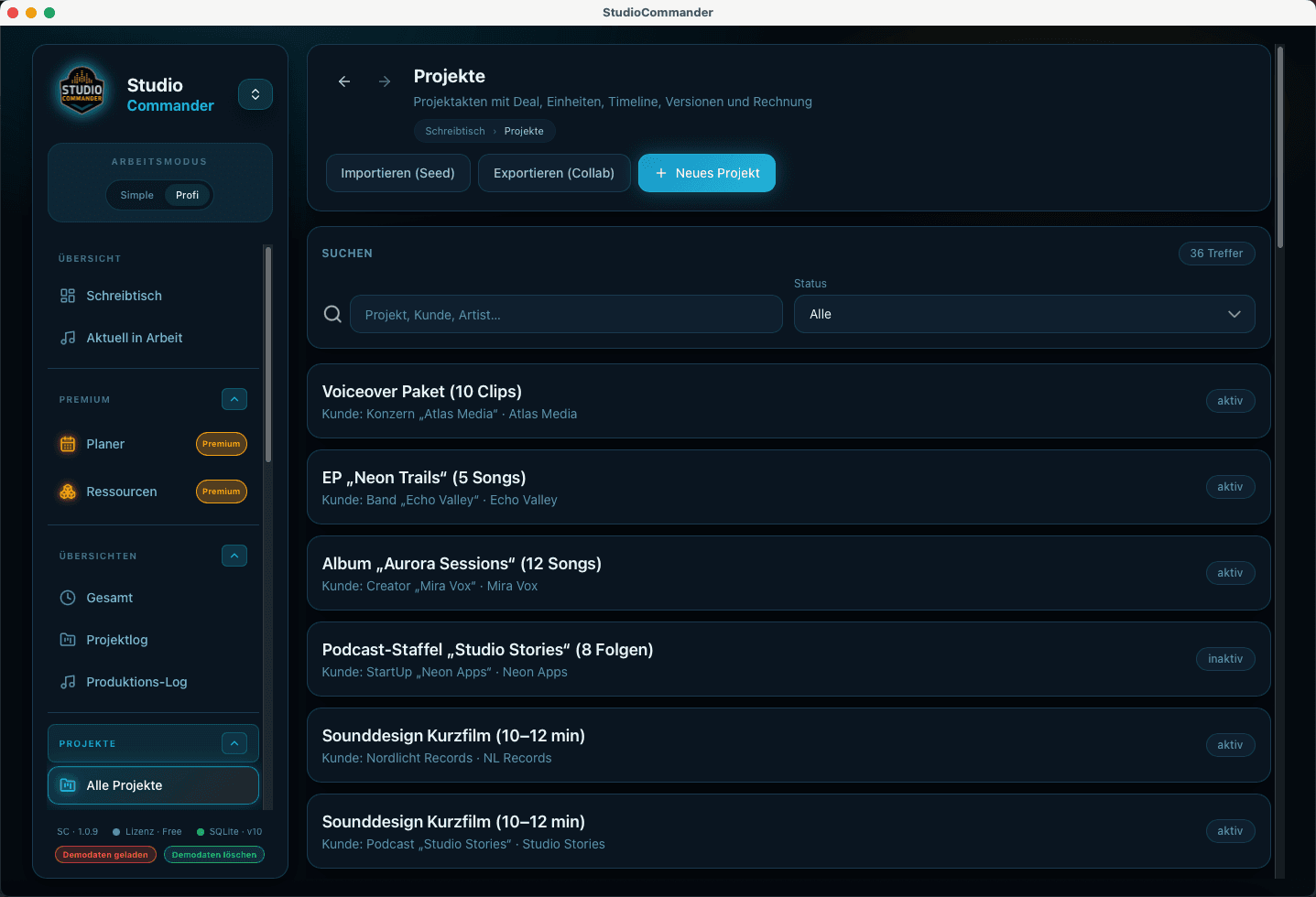
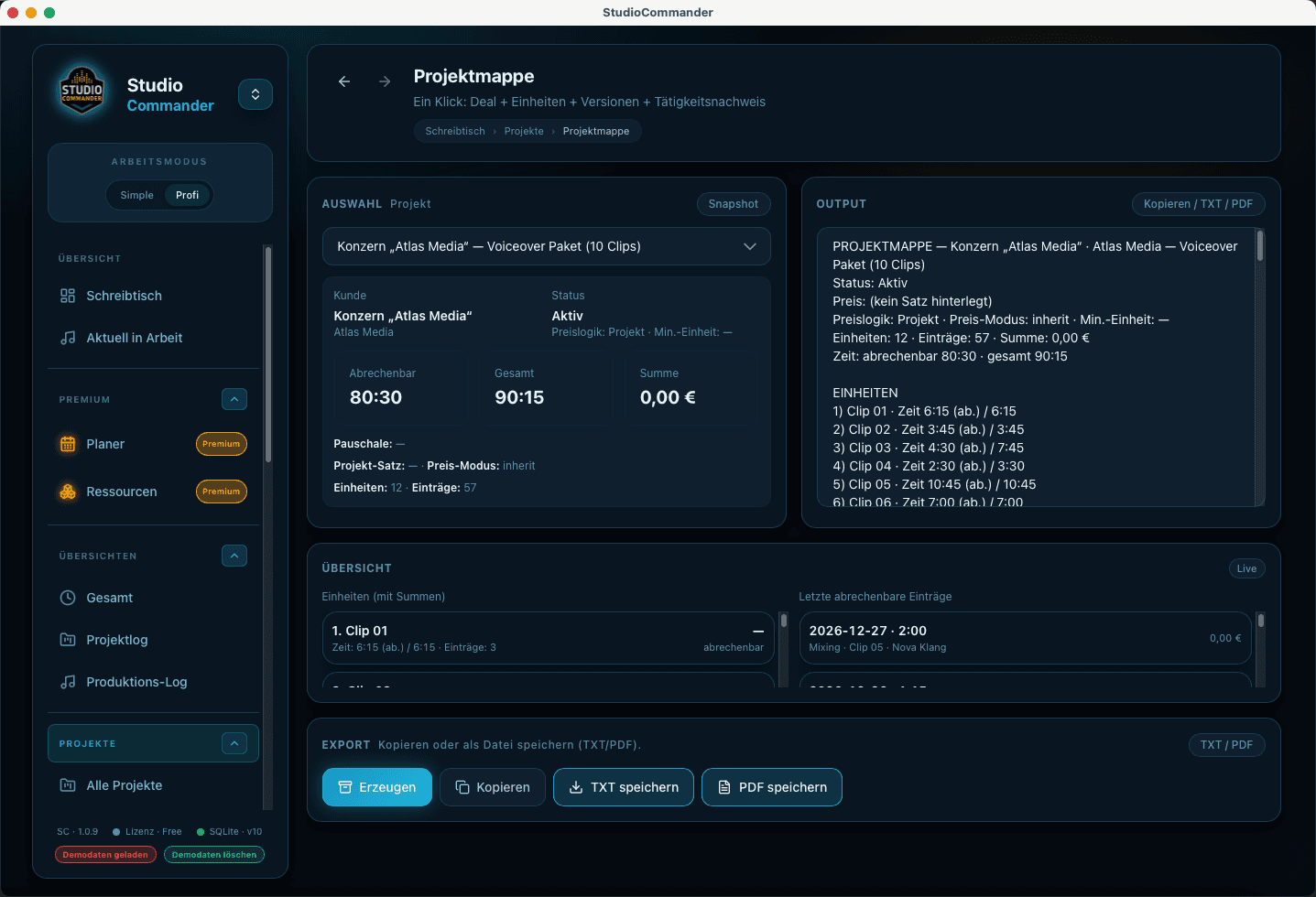
In studio work, time, quotes, invoices, and communication almost always revolve around a project. That is why clients, production units, status, forecast, and the project folder form the real foundation for everything else.
What this solves in daily studio work
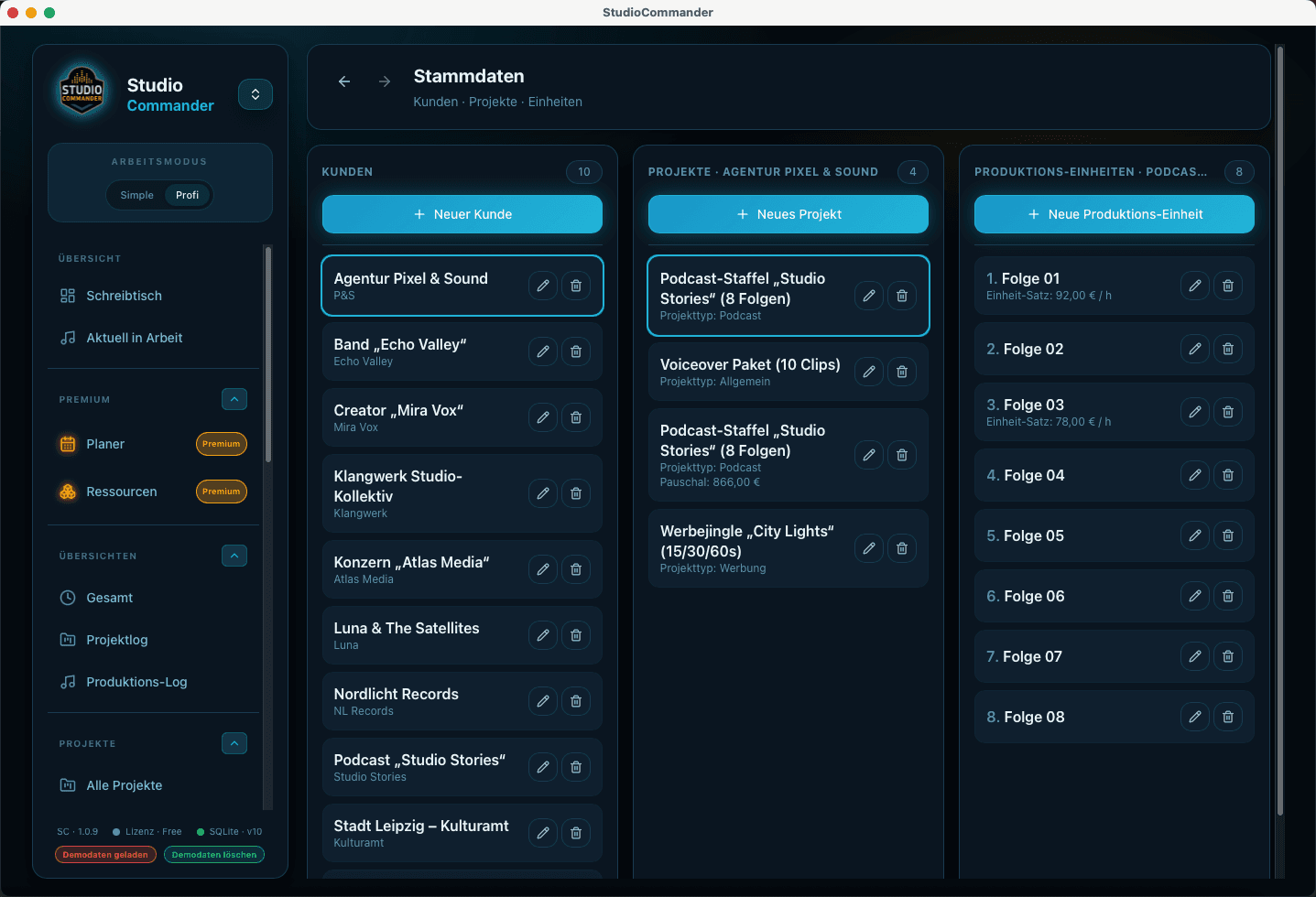
- - Use clients and projects as the shared foundation for everything else
- - Model production units such as songs, scenes, or chapters cleanly
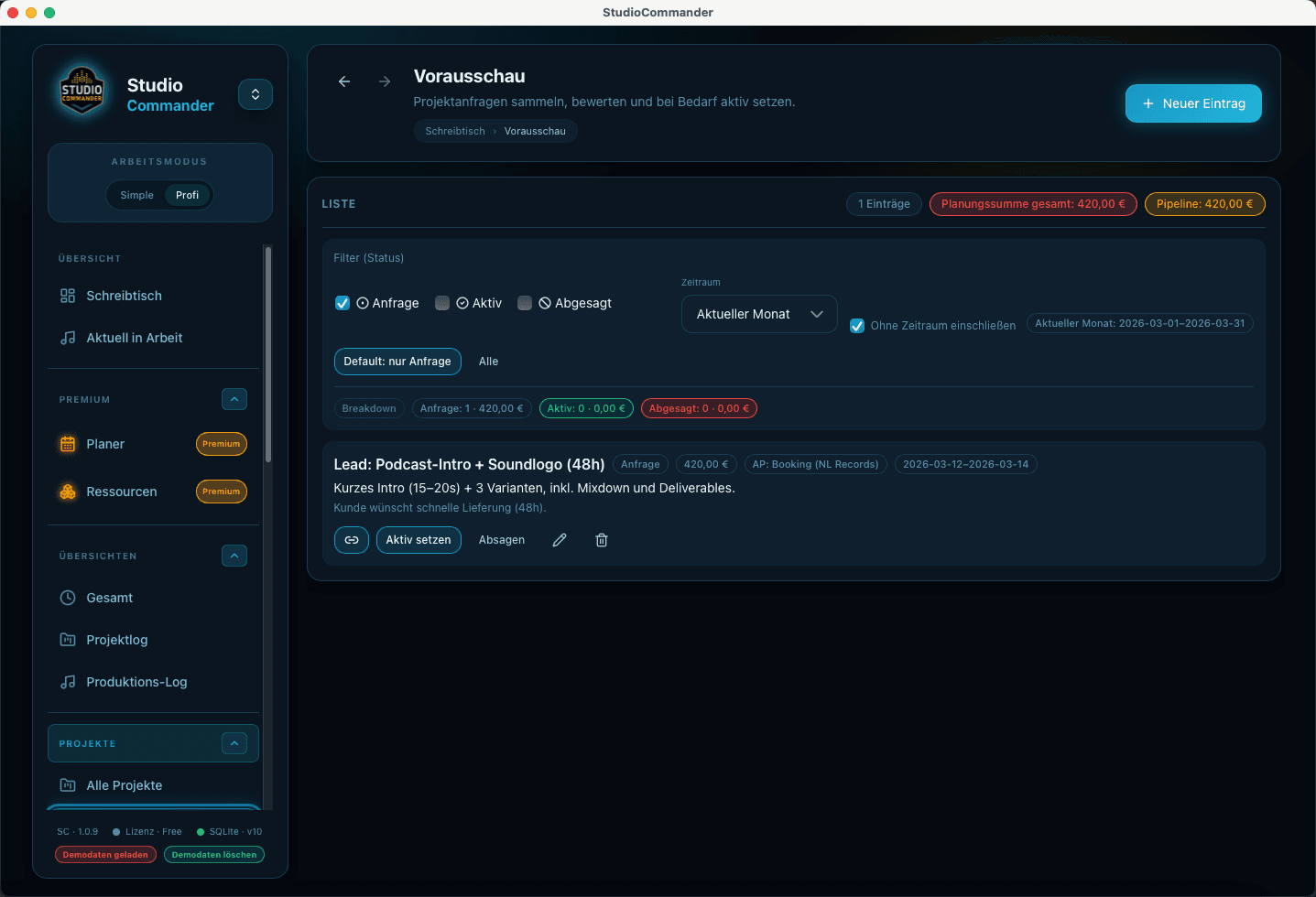
- - Use status, forecast, and the project folder to keep upcoming work visible
- - Let time tracking, quotes, and invoices rely on the same structure
Typical flow
- 1Create clients and projects
- 2Define production units and project type cleanly
- 3Maintain status, notes, and forecast
- 4Move from there into time tracking, quotes, and billing
This is where everything comes together around the project
Project management connects organization, pipeline, time tracking, and billing. That is what turns scattered tasks back into a studio workflow you can actually manage.
Capture sessions, editing, mixing, or mastering directly on the project so time, logs, and billing never have to be pieced together from memory.
Move prospects from the first conversation into a clear quote with reusable building blocks, pricing logic, and direct project context instead of scattered notes.
Create invoices in project context, keep payments accurate, and connect reporting, open amounts, and financial review inside one system.