Project planning for recording studios
Plan sessions, studio days, and resources so rooms, staff, and active productions line up cleanly.
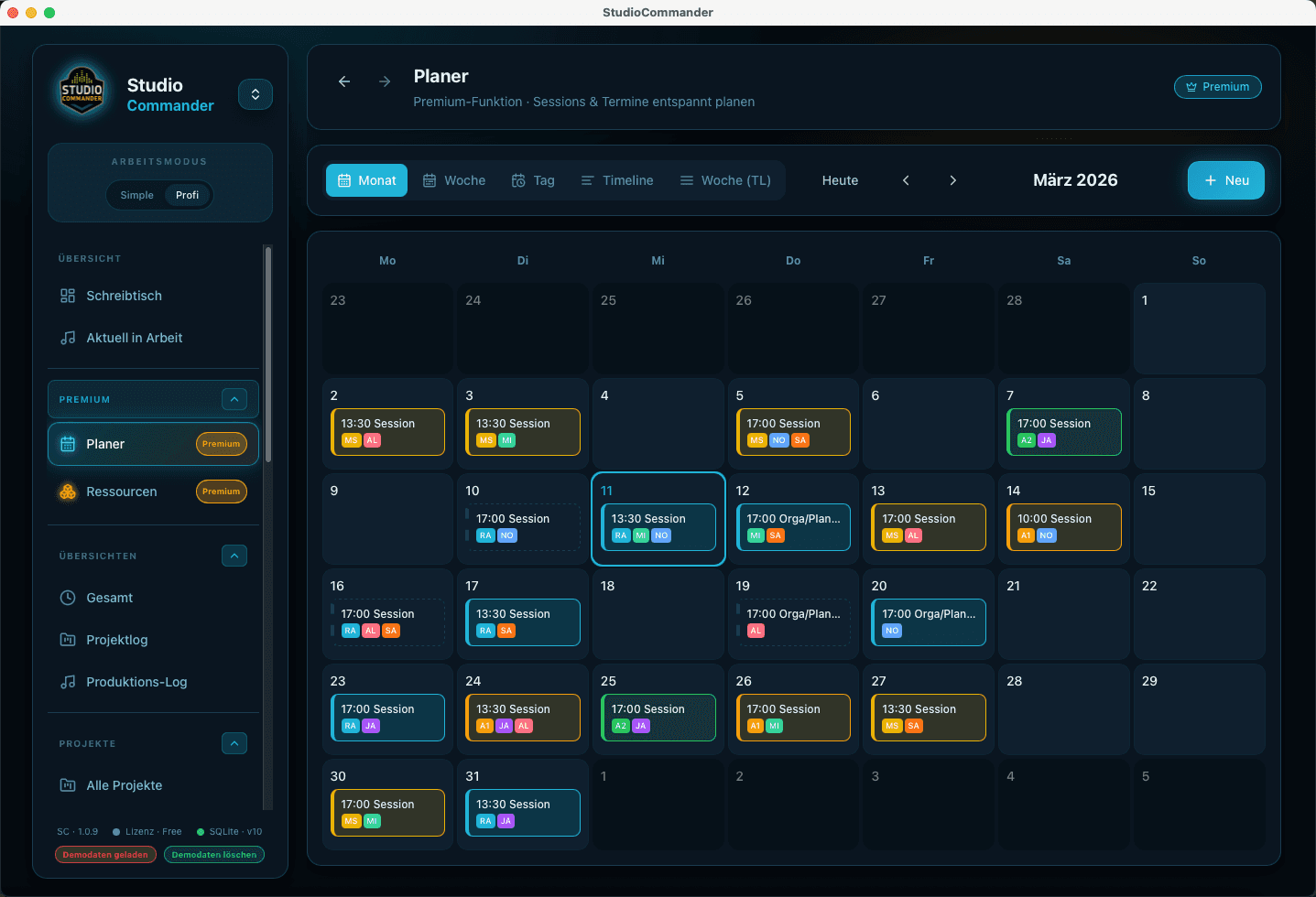
Planner and resources matter the moment multiple sessions overlap or room, engineer, and timeframe need to line up before the studio day gets messy.
What this solves in daily studio work
- - Represent appointments, blocks, and multi-day periods in the planner
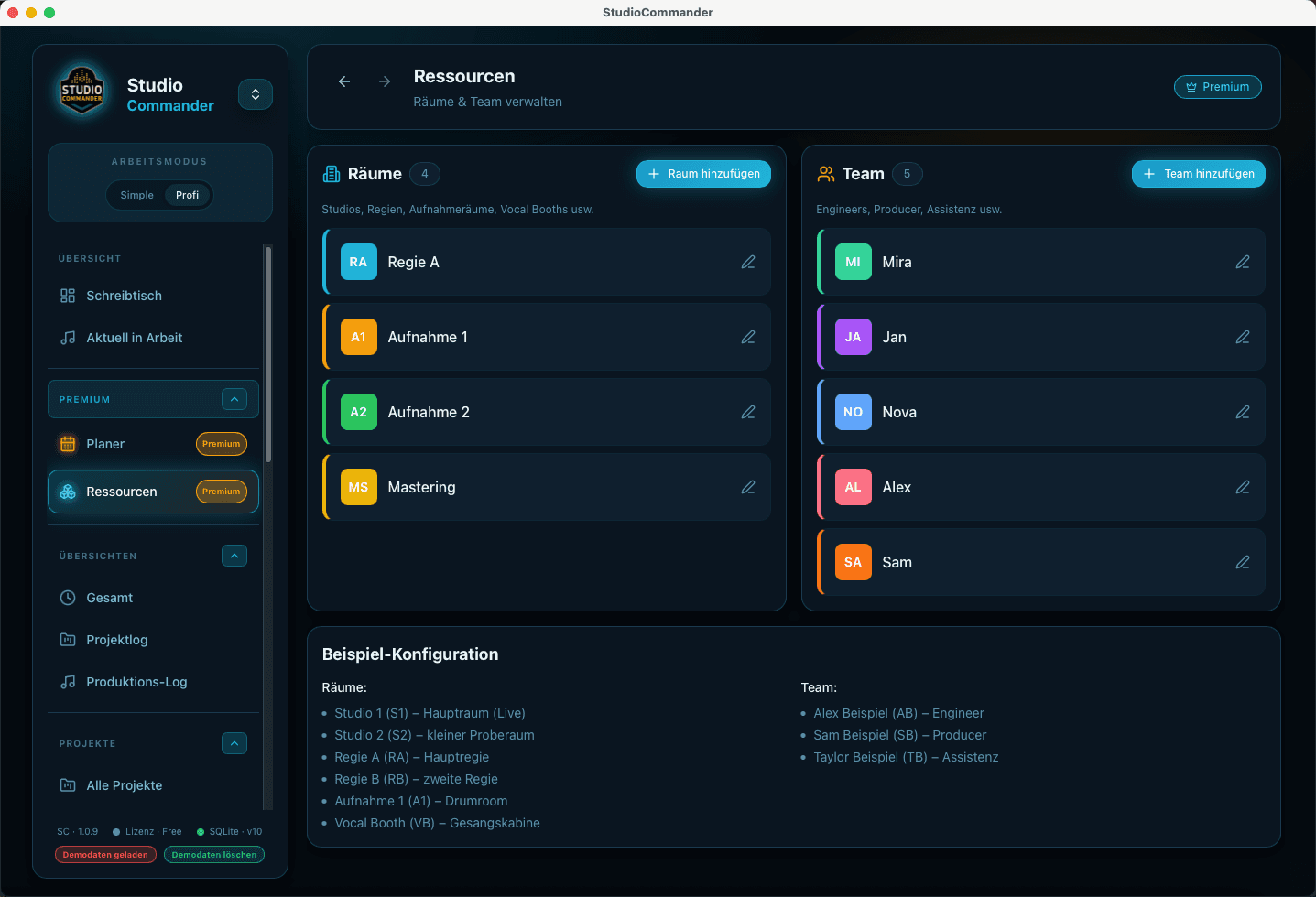
- - Maintain rooms and staff as resources and make conflicts visible
- - Tie planning directly to projects and services
- - Keep history understandable by using active and inactive resources
Typical flow
- 1Choose the time range or appointment in the planner
- 2Assign project, service, and if needed the production unit
- 3Attach rooms or staff as resources
- 4Spot conflicts early instead of discovering them at session start
Project planning is more than a calendar view
Here, project planning means bringing time blocks, rooms, staff, and real production constraints into the same flow.
Capture sessions, editing, mixing, or mastering directly on the project so time, logs, and billing never have to be pieced together from memory.
Move prospects from the first conversation into a clear quote with reusable building blocks, pricing logic, and direct project context instead of scattered notes.
Create invoices in project context, keep payments accurate, and connect reporting, open amounts, and financial review inside one system.