Projects & organization
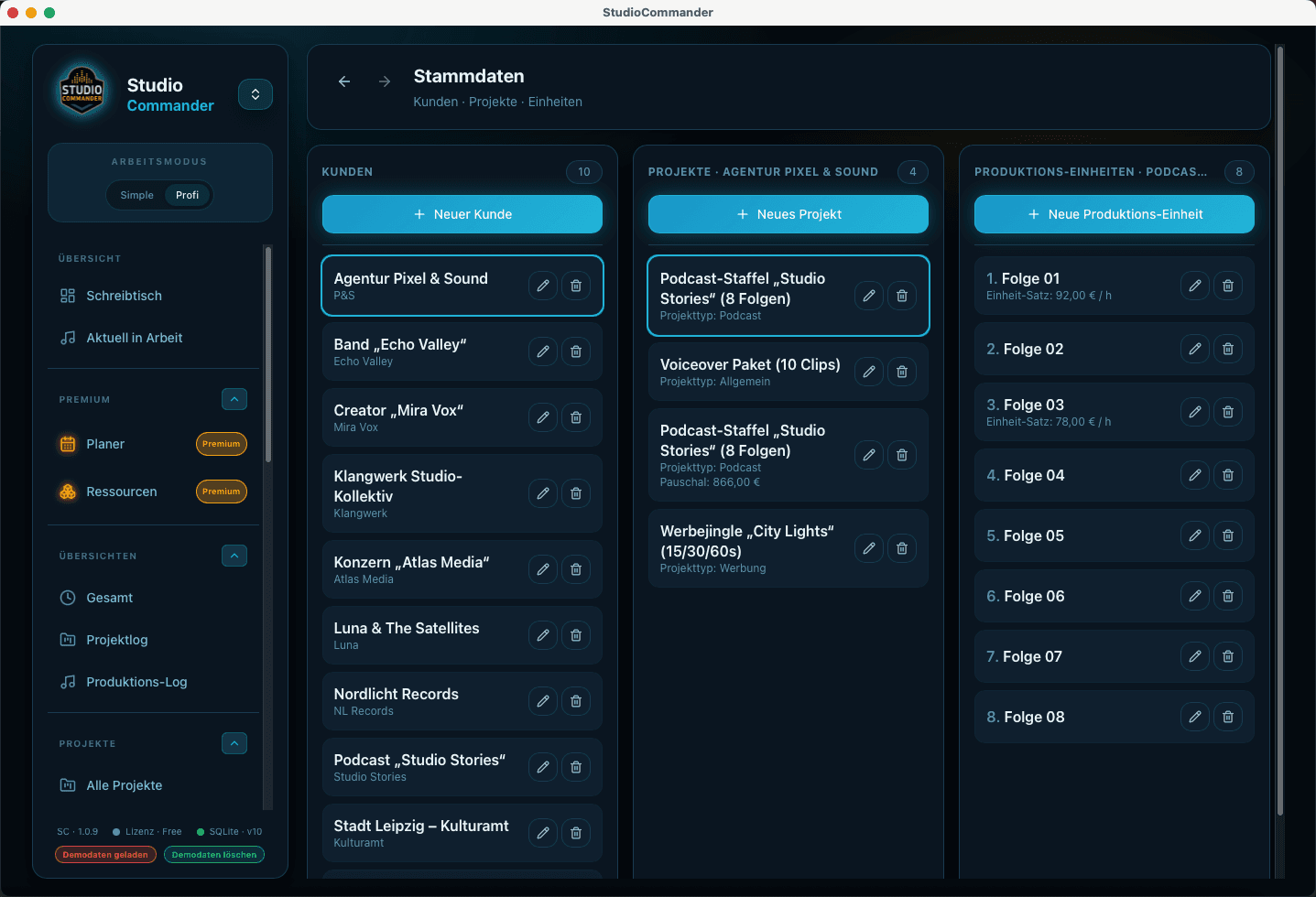
Keep clients, projects, production units, and project status inside one shared structure.
Everything in one system instead of notes, extra timers, spreadsheets, and separate invoicing software. Flexible enough to adapt to your process, with templates for a faster start.Everything in one system: no loose notes for agreements and project details, no separate timer, no spreadsheets, and no extra quote or invoicing software. StudioCommander connects project organization, session planning, time tracking, quotes, and invoices in one workflow built for real studio operations and stays flexible enough to adapt to your processes. Plenty of templates make the setup easier and save time from day one.
Sale
Oct 1, 2026 – Dec 31, 2026
Standard €49 instead of €69 · Premium €79 instead of €99
Days : Hours : Minutes : Seconds
Get StudioCommander in its current version during the offer period.When StudioCommander 2 ships, you will receive it for free.
More about Version 2 →No hidden monthly fees.
Download directly. No account required.
Keep clients, projects, production units, and project status inside one shared structure.
Plan sessions, rooms, and staff ahead of time before bottlenecks disrupt the studio day.
Document active work directly and carry it cleanly into logs, reports, and invoices.
Treat intake, quotes, and final invoicing as one connected workflow instead of isolated steps.
Project organization, time tracking, and billing work together in daily studio life, but each of them solves a different problem. This section separates the core areas so it becomes clear what StudioCommander actually handles in practice.
Keep clients, projects, songs, project status, and upcoming productions together so nothing falls apart between inquiry, session, and invoice.
Clients and projects form the foundation for the rest of the workflow.
Open detail pageCapture sessions, editing, mixing, or mastering directly on the project so time, logs, and billing never have to be pieced together from memory.
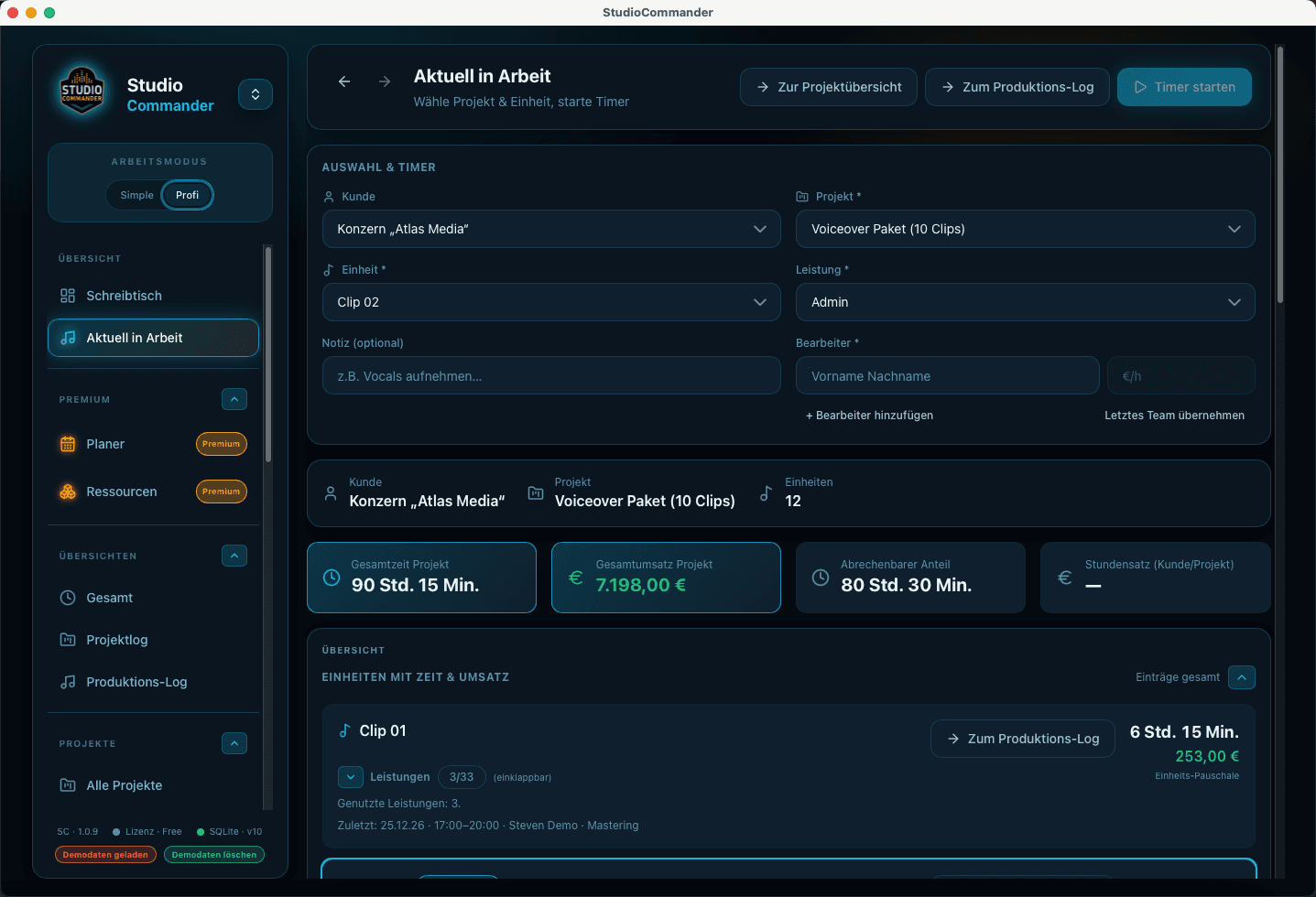
In progress is the safe standard flow for active sessions and clean assignment.
Open detail pageCreate invoices in project context, keep payments accurate, and connect reporting, open amounts, and financial review inside one system.
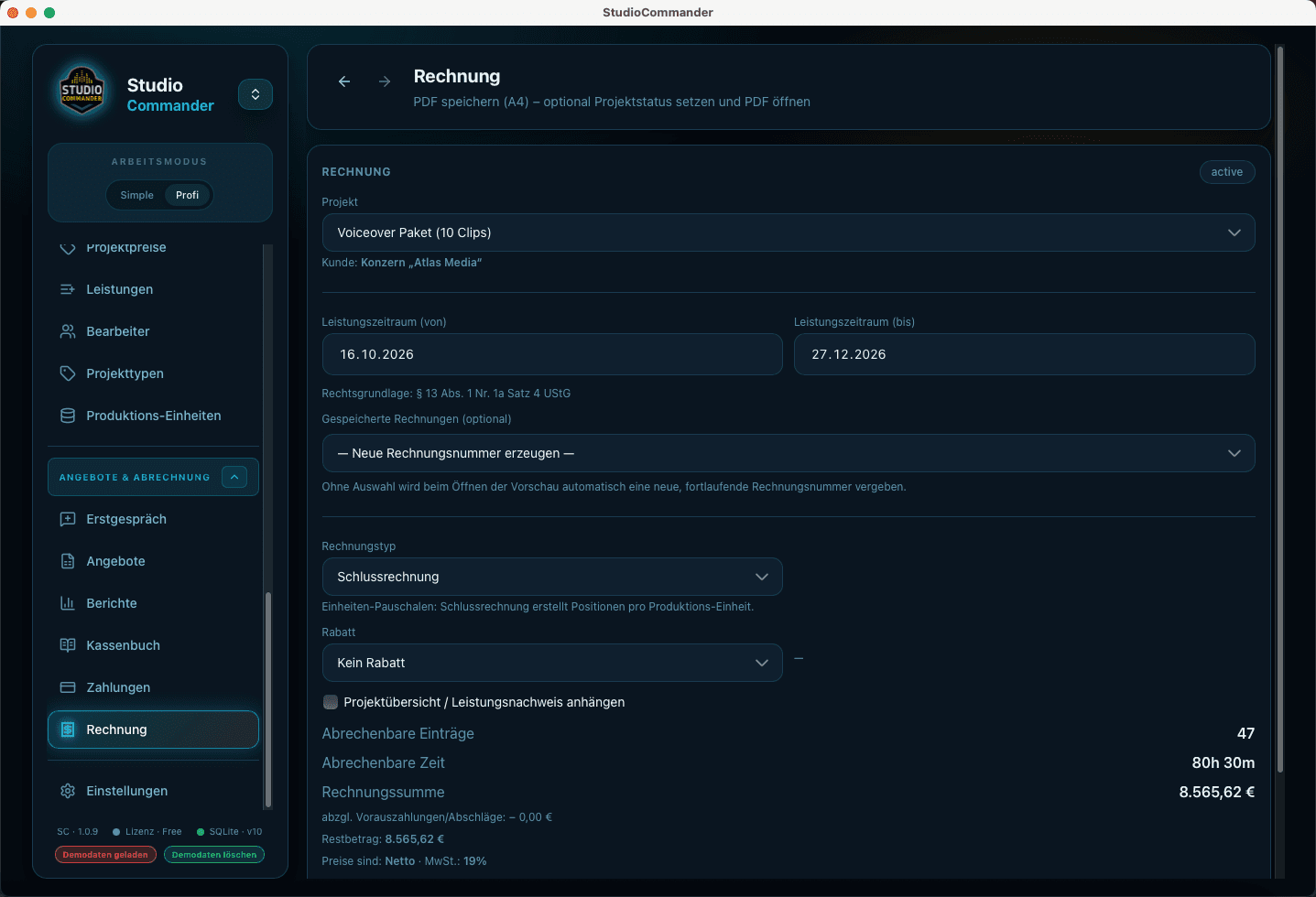
Invoices are created in direct relation to the project, not detached from it.
Open detail pageThat is the core product idea: not five disconnected tools, but one shared process where information does not need to be re-entered at every stage.
Create the intake, client, and project scope instead of losing information across scattered notes.
Organize sessions, time blocks, rooms, and staff in direct relation to the project.
Track time, services, and progress cleanly while production is actually happening.
Build quotes, invoices, payments, and reporting on the same data foundation.
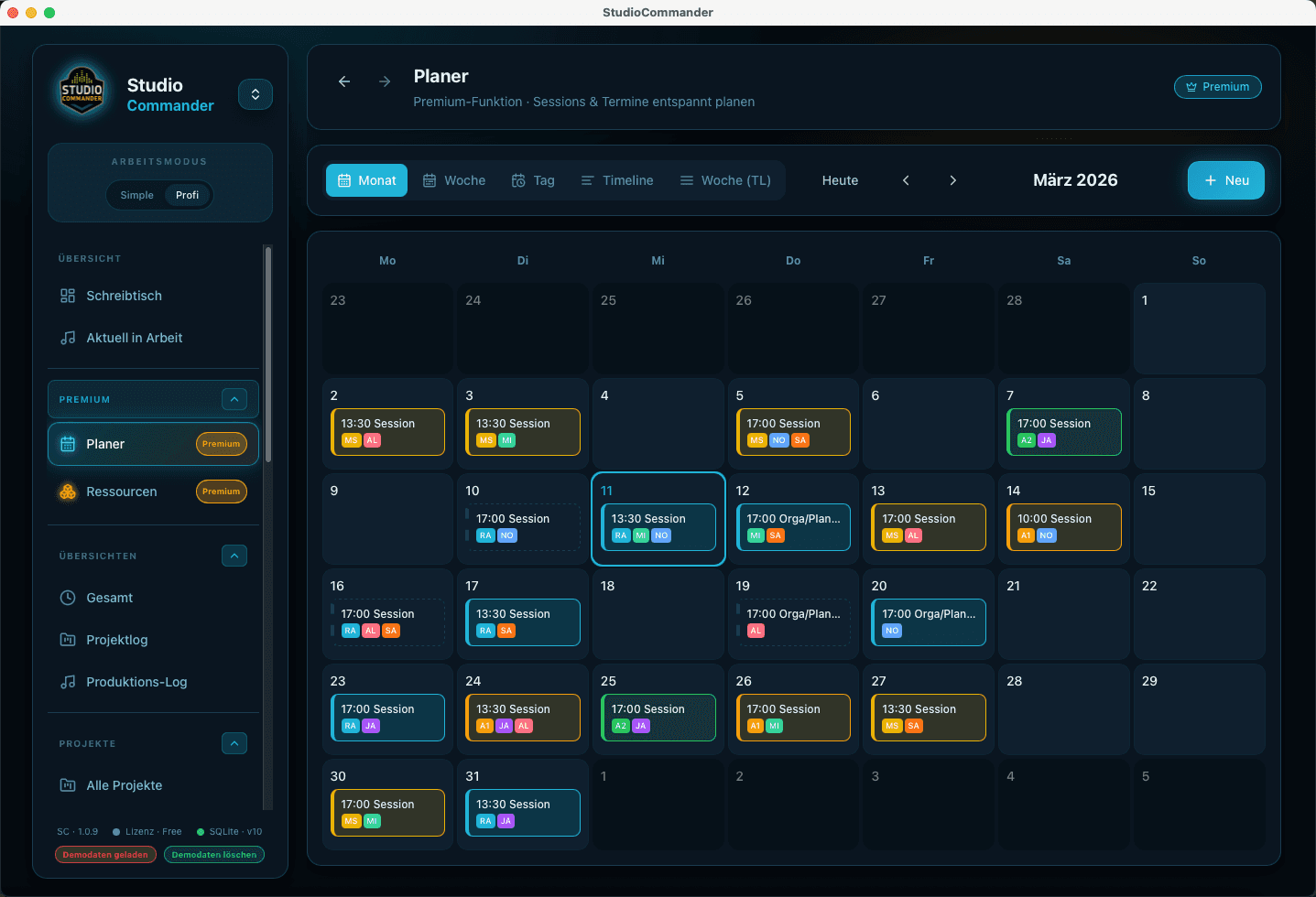
Plan sessions, studio days, and resources so rooms, staff, and active productions line up cleanly.
The planner turns appointments, time ranges, and studio workload into a visual planning logic.
Planning in detailHere you will find focused entry points: what StudioCommander is about, how Standard and Premium differ, and how e-invoicing fits everyday studio work - each on its own page with more depth when you need more than a quick overview.
A compact explanation of why StudioCommander is more than a timer or an invoicing tool.
How the app can stay intentionally lean at the start while still running on the same underlying data.
How the edition logic works and when Premium goes beyond the organizational core.
Why e-invoicing has become both a pressure point and a selling point for many studios, and how StudioCommander keeps XRechnung, ZUGFeRD, and standard invoices inside one workflow.
Download free or buy once. No subscription.
Without solid project documentation, you lose money. Every day.
And most of the time, you don't even notice.
StudioCommander ensures your work is recorded in full and actually ends up on the invoice.
Install and get started right away. An account only becomes relevant when you want the customer area, purchases, or future sync features.
Version 1.2.1
You do not need five disconnected tools. StudioCommander keeps inquiry, planning, active work, and billing inside one connected process.
Create the intake, client, and project scope instead of losing information across scattered notes.
Organize sessions, time blocks, rooms, and staff in direct relation to the project.
Track time, services, and progress cleanly while production is actually happening.
Build quotes, invoices, payments, and reporting on the same data foundation.
Want to try version 2 early and help shape it? We're looking for studios and power users who give candid feedback from real day-to-day work.
Email us at betatester@studiocommander.de. Briefly tell us about yourself, your studio or workflow, and your experience with StudioCommander or comparable tools. We'll get back to you as soon as possible.
A few voices from day-to-day work - what StudioCommander improves in practice.
“With two studios in Erfurt and Dresden, we have a lot of resources to plan and coordinate. StudioCommander is the perfect all-in-one solution.”
“We don't just do classic audio studio work - we also do a lot of graphics and game design. StudioCommander is flexible enough.”
“I'm a developer and work on many projects at once. StudioCommander helps me keep track of everything.”
Eight core questions, including activations, languages, currencies, and Version 2, stay visible here. The full collection lives on the FAQ page.
No. StudioCommander is a one-time purchase, not a recurring subscription.
Yes. EDU licenses are available on request with 50% off. Email us at Edu-Lizenz@studiocommander.net.
Updates within the same major version, for example v1.x, are included. A future upgrade to v2 would be a paid upgrade.
Yes. Upgrading from Standard to Premium is possible at any time.
With Version 1, you currently get two activations with your purchase. You can manage them in the customer area and transfer them to another machine whenever needed. Starting with Version 2, the number of activations will increase significantly so you can use all your devices.
Yes. StudioCommander treats e-invoicing as part of the normal billing workflow. That also includes practical framing for XRechnung and ZUGFeRD in day-to-day studio work.
Version 2 news
With StudioCommander 2, you can simply forget about forgetting.
We invested serious effort to develop SMARTER INTELLIGENCE TECHNOLOGY and built it into StudioCommander 2.
This is not another generic AI tool integration - it is the necessities, algorithms, processes, and assists we distilled from more than 30 years of studio experience and turned into code, to take tedious work off your plate or at least make it easier.
For example:
… and much, much more.
Yes. StudioCommander is currently available in 20 languages. Currencies and formatting are handled consistently, which makes day-to-day work easier in mixed-language teams.