StudioCommander LogoStudioCommanderby mimodilabs
Features

Features for studio organization, time tracking, and billing

StudioCommander connects organization, planning, time tracking, and billing inside one system built for real studio workflows. This page gives you a structured overview of the app’s most important work areas.

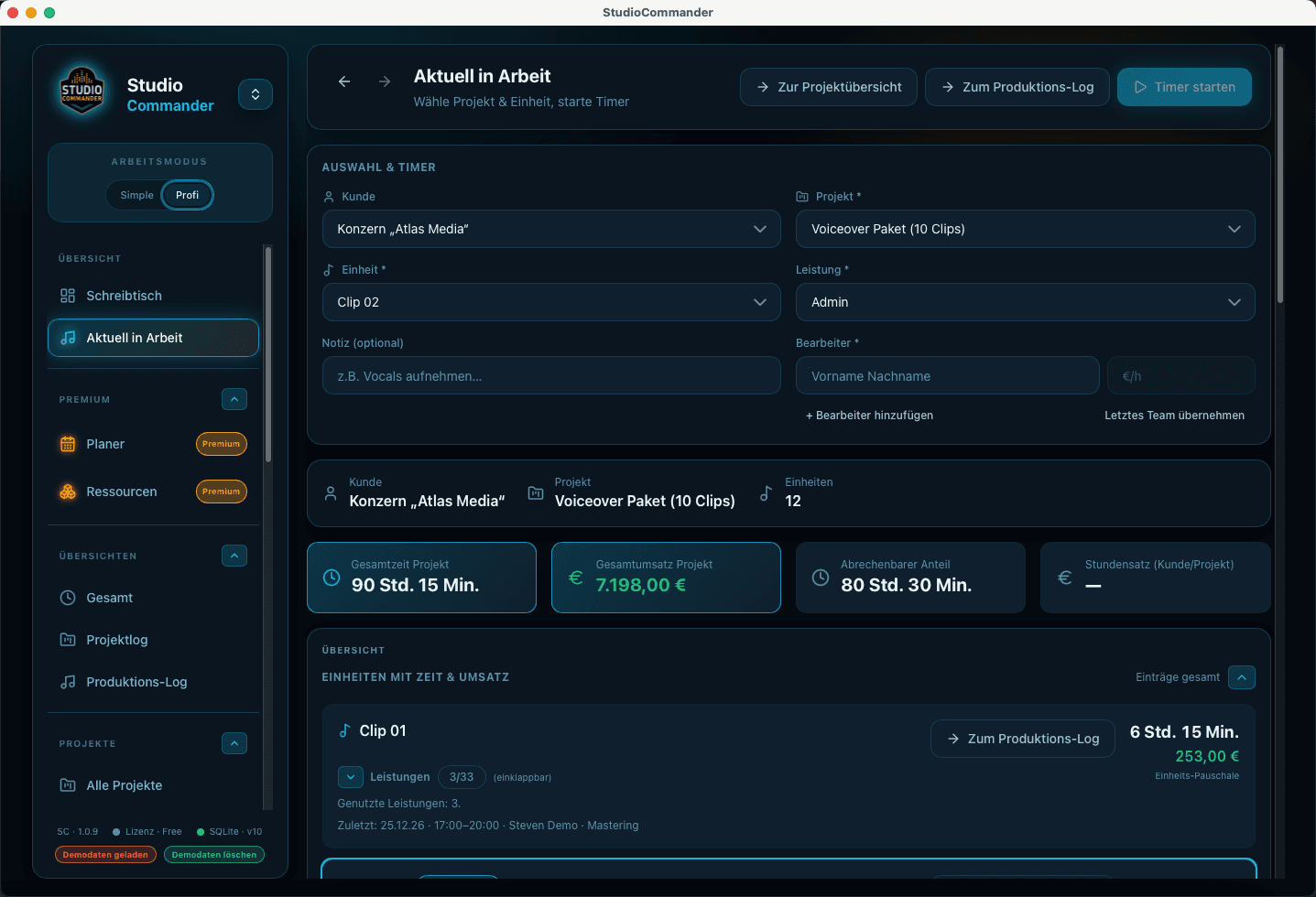
In progress view in StudioCommander
Time tracking

Time tracking for recording studios

Capture sessions, editing, mixing, or mastering directly on the project so time, logs, and billing never have to be pieced together from memory.

In progress is the safe standard flow for active sessions and clean assignment.

Time tracking for recording studios with timer, project log, and production log. StudioCommander documents real work directly inside the workflow.
Initial conversation in StudioCommander
Quotes

Quotes for recording studios

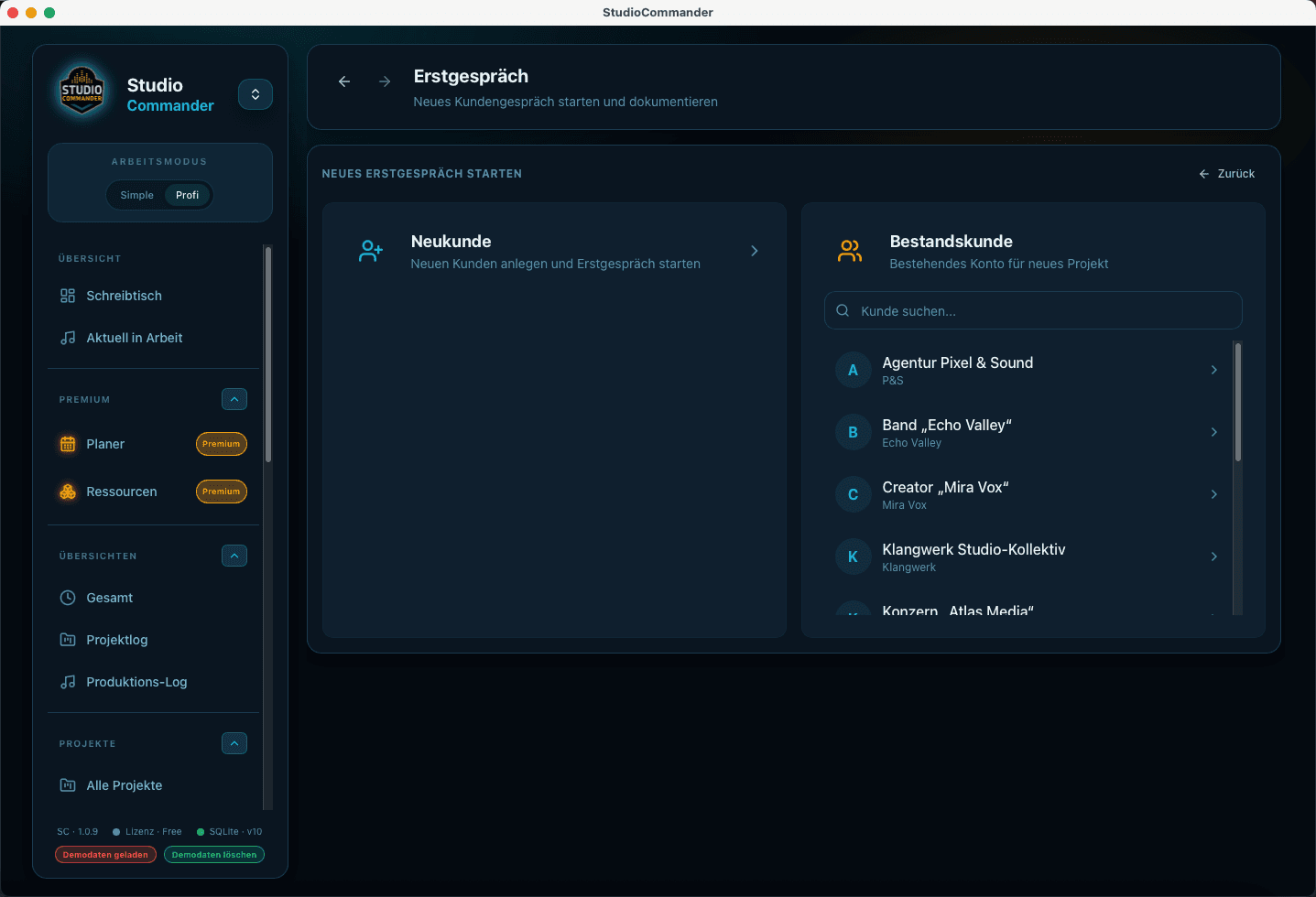
Move prospects from the first conversation into a clear quote with reusable building blocks, pricing logic, and direct project context instead of scattered notes.

The intake view captures project scope early and in a structured way.

Quotes for recording, editing, mixing, and mastering with intake, templates, and pricing calculation in StudioCommander.

Invoice view in StudioCommander
Invoices and billing

Invoices and billing for recording studios

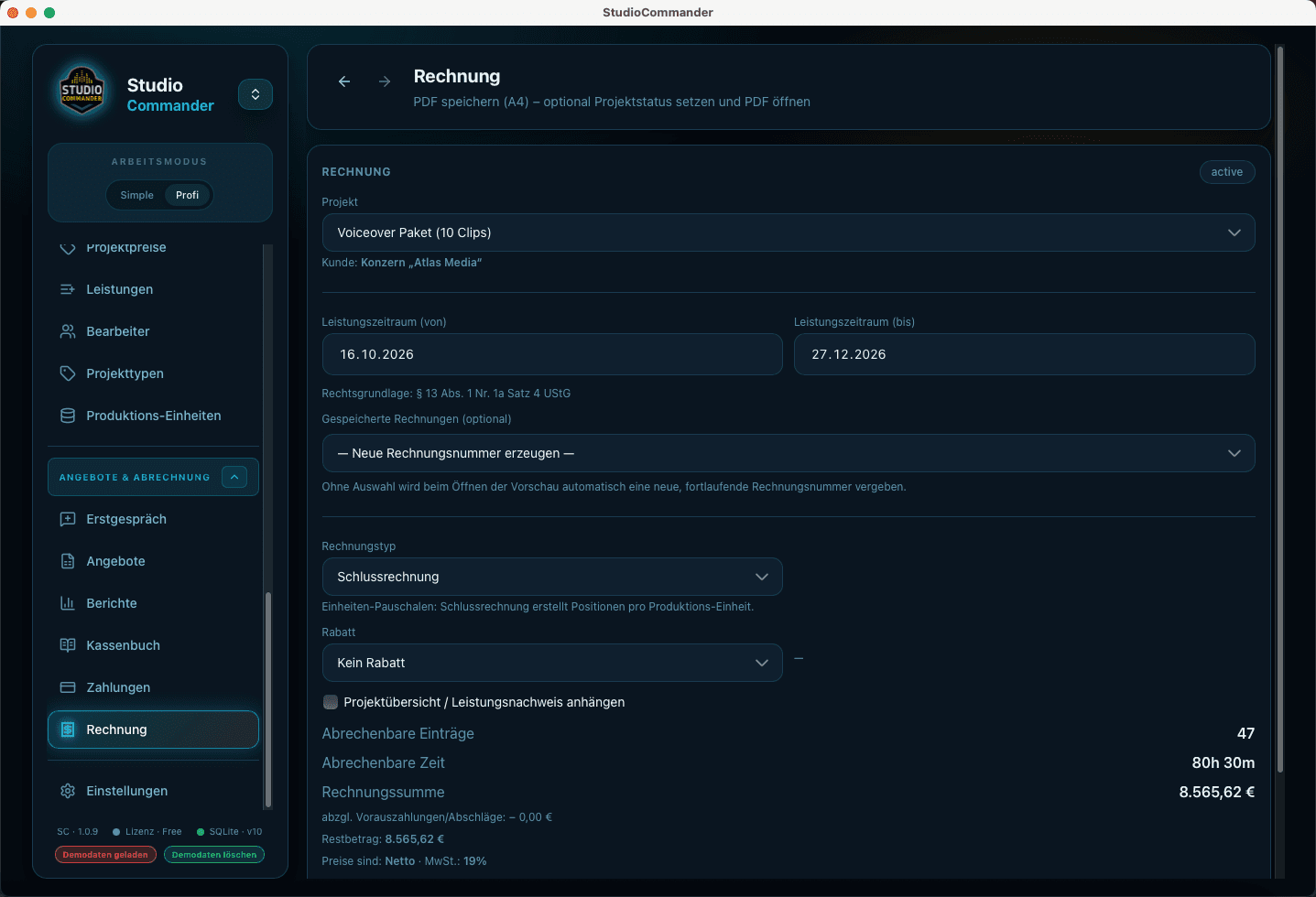
Create invoices in project context, keep payments accurate, and connect reporting, open amounts, and financial review inside one system.

Invoices are created in direct relation to the project, not detached from it.

Invoices, payments, and reporting for recording studios. StudioCommander connects project work and financial review in one workflow.

Clients and projects in StudioCommander
Project management

Project management for recording studios

Keep clients, projects, songs, project status, and upcoming productions together so nothing falls apart between inquiry, session, and invoice.

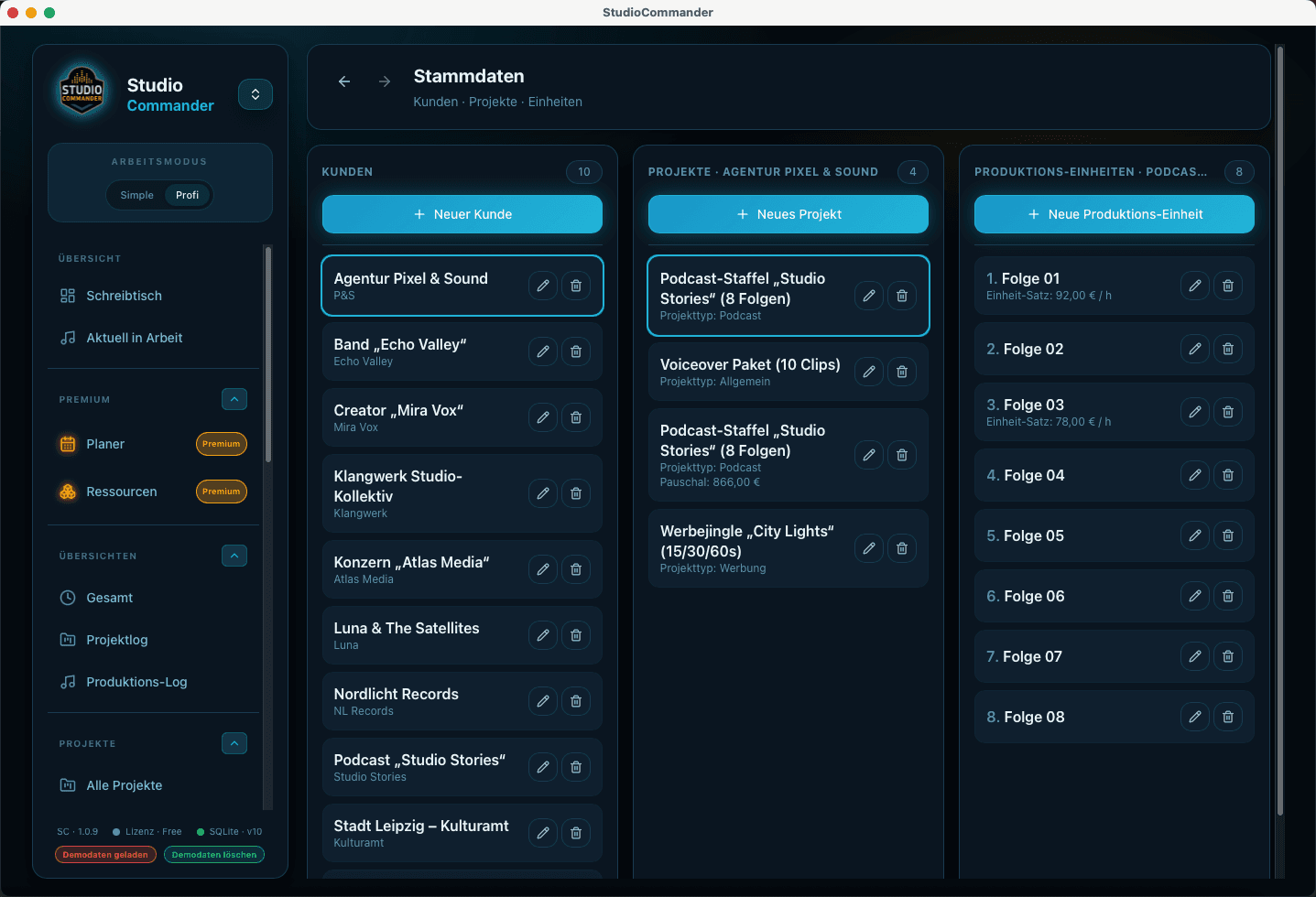
Clients and projects form the foundation for the rest of the workflow.

Project management for recording studios with clients, projects, project folder, and forecast. StudioCommander brings order to active and upcoming productions.

Planner in StudioCommander
Project planning

Project planning for recording studios

Plan sessions, studio days, and resources so rooms, staff, and active productions line up cleanly.

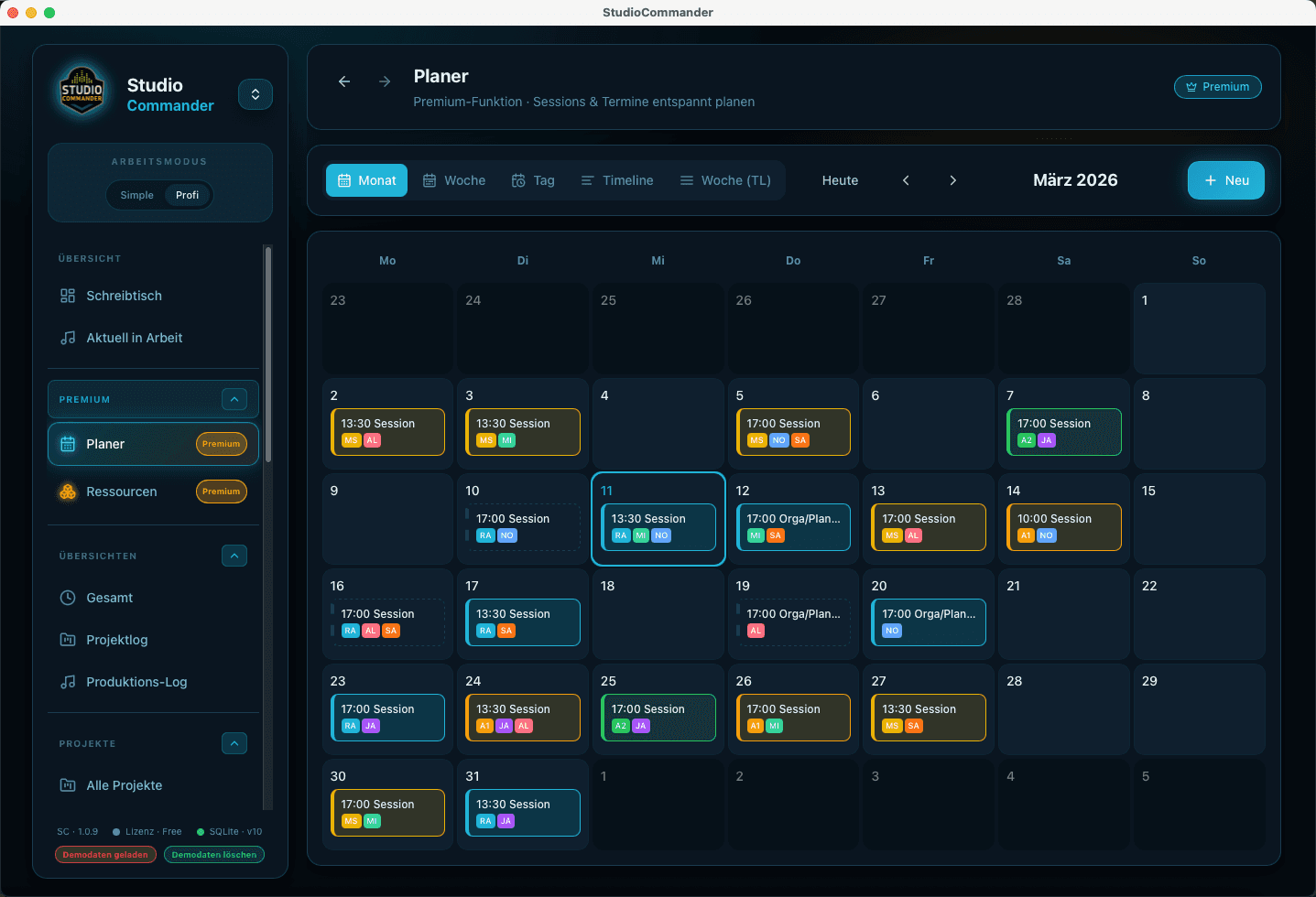
The planner turns appointments, time ranges, and studio workload into a visual planning logic.

Project planning in StudioCommander with planner, calendar logic, and resource context for recording studios.

Initial conversation in StudioCommander
Workflow

Workflow for recording studios

StudioCommander connects inquiry, quoting, active work, and billing into one continuous studio workflow.

Many workflows do not begin with an invoice, but with the first clearly documented conversation.

The StudioCommander workflow from inquiry to billing: intake, project, time tracking, and invoicing in one system.

Invoice view in StudioCommander
Features

E-invoicing for recording studios

StudioCommander makes e-invoicing part of the normal billing workflow for studios, so XRechnung, ZUGFeRD, and classic PDF invoices do not turn into disconnected special cases.

E-invoicing belongs in the same invoice dialog as the rest of the billing workflow.

E-invoicing for recording studios with StudioCommander: XRechnung, ZUGFeRD, studio workflow, project context, and clean billing without a detached side system.

Planner for studio sessions
Features

Planner for studio sessions

Plan sessions, time blocks, and studio bookings with a clear view of calendars, workload, and the real project context.

Resource planning
Features

Resource planning

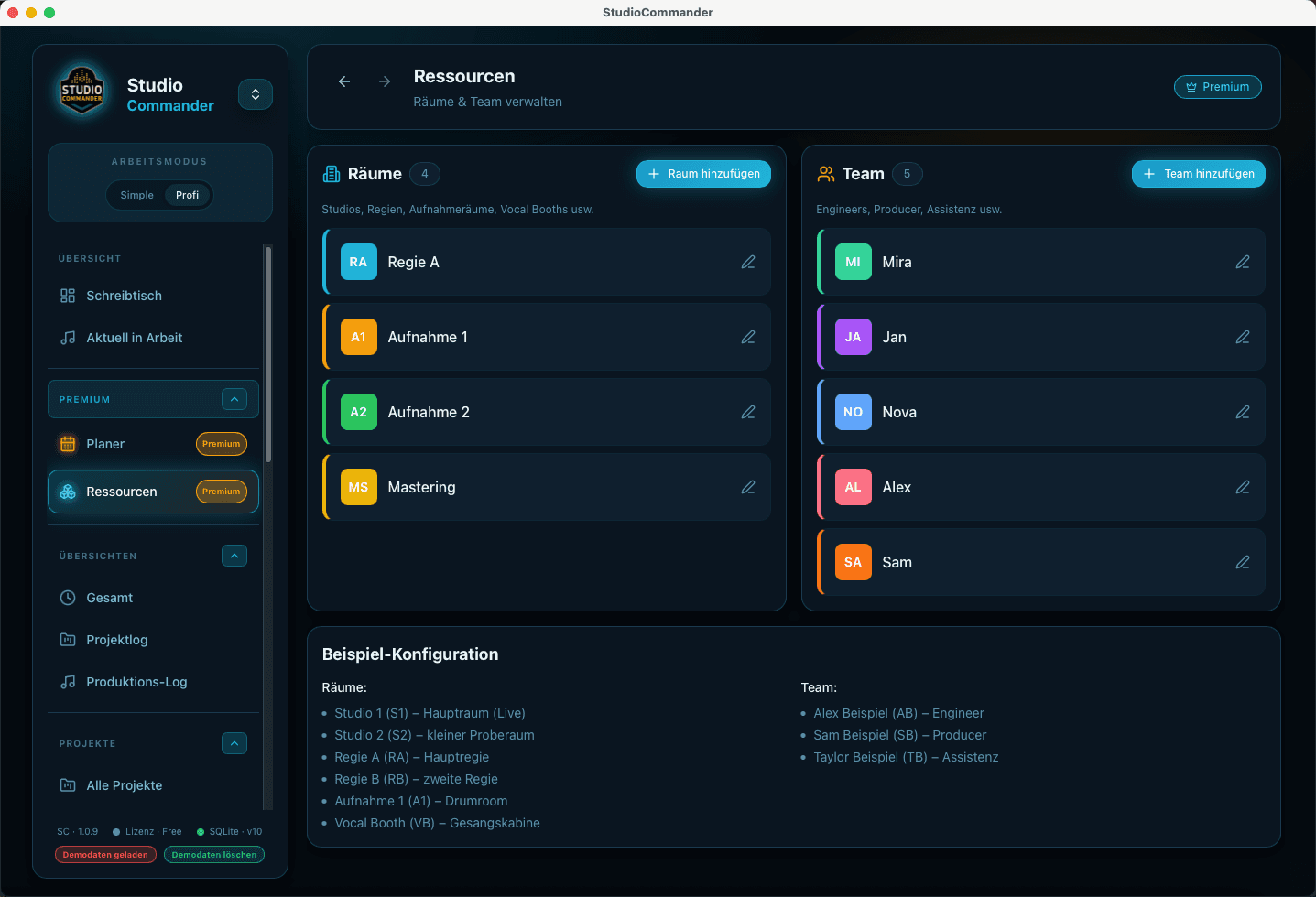
Keep rooms, staff, and available resources visible so planning stays realistic in the day-to-day studio schedule.

Planning and resources for more complex studio workflows

When multiple sessions, rooms, contributors, or parallel projects need coordination, planning and resource management become a distinct part of the workflow. StudioCommander supports that layer so workload, bottlenecks, and the next step stay visible in day-to-day studio work.